Sign-In Process
To use the Early for IDE extension, you'll need to sign in. This ensures a personalized experience and allows the extension to store your settings securely. The sign-in process is simple and seamless, leveraging Firebase for authentication.
How to Sign In
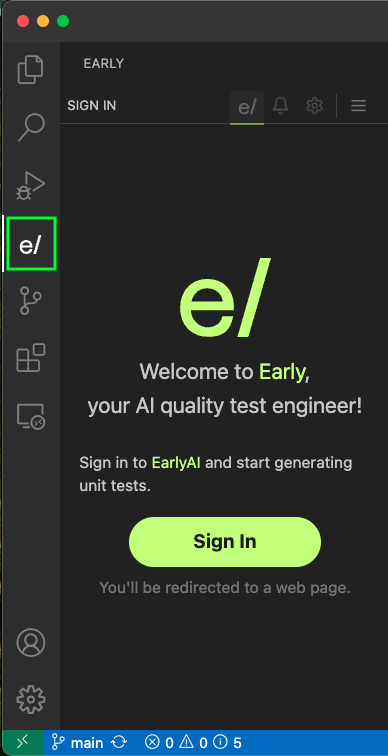
- Open the Early for IDE Extension
- In Visual Studio Code, navigate to the Early for IDE extension panel.
- You’ll see a Sign In button prominently displayed.
-
Click the Sign In Button
- Clicking the button will open a web browser with the Early for IDE Sign-In screen.
-
Choose Your Preferred Sign-In Method
On the Sign-In screen, you’ll see three options for signing in. Select the method that works best for you:- The screen includes links to the Terms of Service and Privacy Policy, ensuring transparency about how your data is handled.
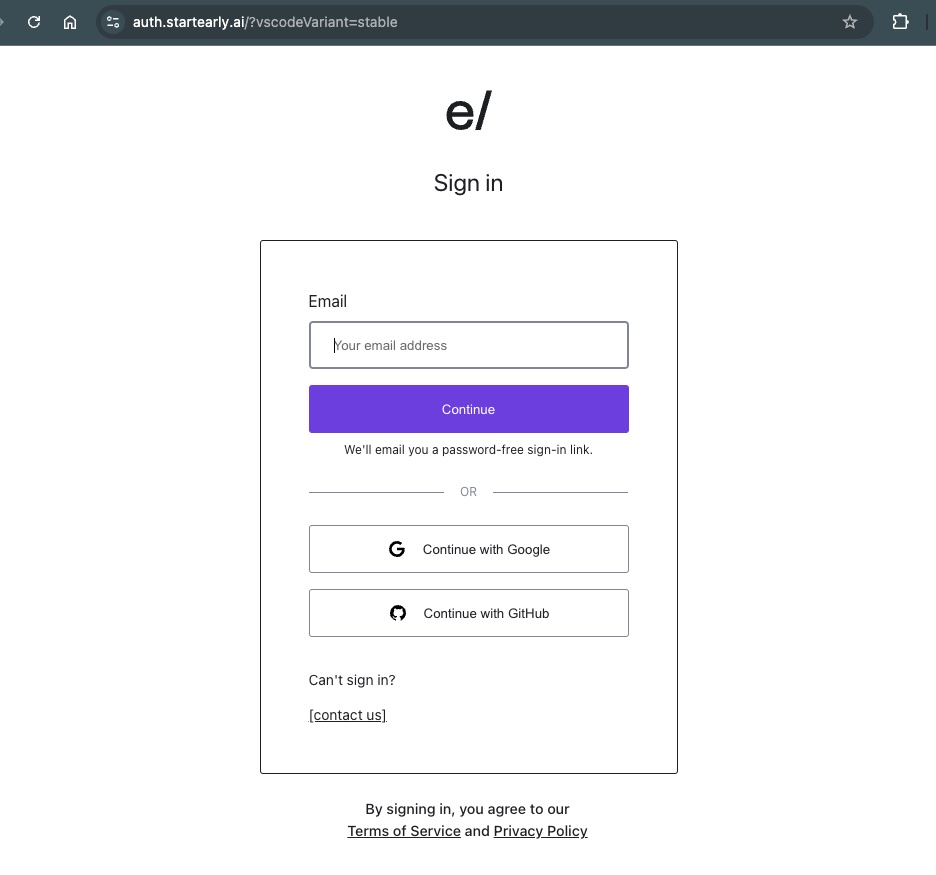
Option 1: Sign In with Email
-
Enter your email address and click Send Link.
-
Check your inbox for a sign-in email from Early.
-
Click the link in the email.
-
This link will open a web page that confirms the sign-in process and pops up a message:
"VSCode will open shortly to complete the sign-in process."
-
Your token is securely stored in VSCode, and you are now signed in.
Option 2: Sign In with Google
-
Click the Sign In with Google button.
-
A Google authentication window will appear.
-
Select the Google account you wish to use.
-
Once authenticated, the token is securely stored in VSCode, and you are signed in.
Option 3: Sign In with GitHub
-
Click the Sign In with GitHub button.
-
A GitHub authentication window will appear.
-
Log in with your GitHub credentials and authorize the Early for IDE extension.
-
Once authenticated, the token is securely stored in VSCode, and you are signed in.
Notes
- Email Sign-In Tip: If you don’t see the email in your inbox, check your spam folder or try resending the link.
- Secure Storage: All authentication tokens are stored securely in your VSCode instance, ensuring your data remains safe.
- No Additional Setup Required: Once signed in, you're ready to start using the Early for IDE extension without further configuration.
Troubleshooting
If you encounter any issues during the sign-in process, you can open an issue in our GitHub repository.
With this simple sign-in process, you can quickly access all the powerful features Early for IDE offers!